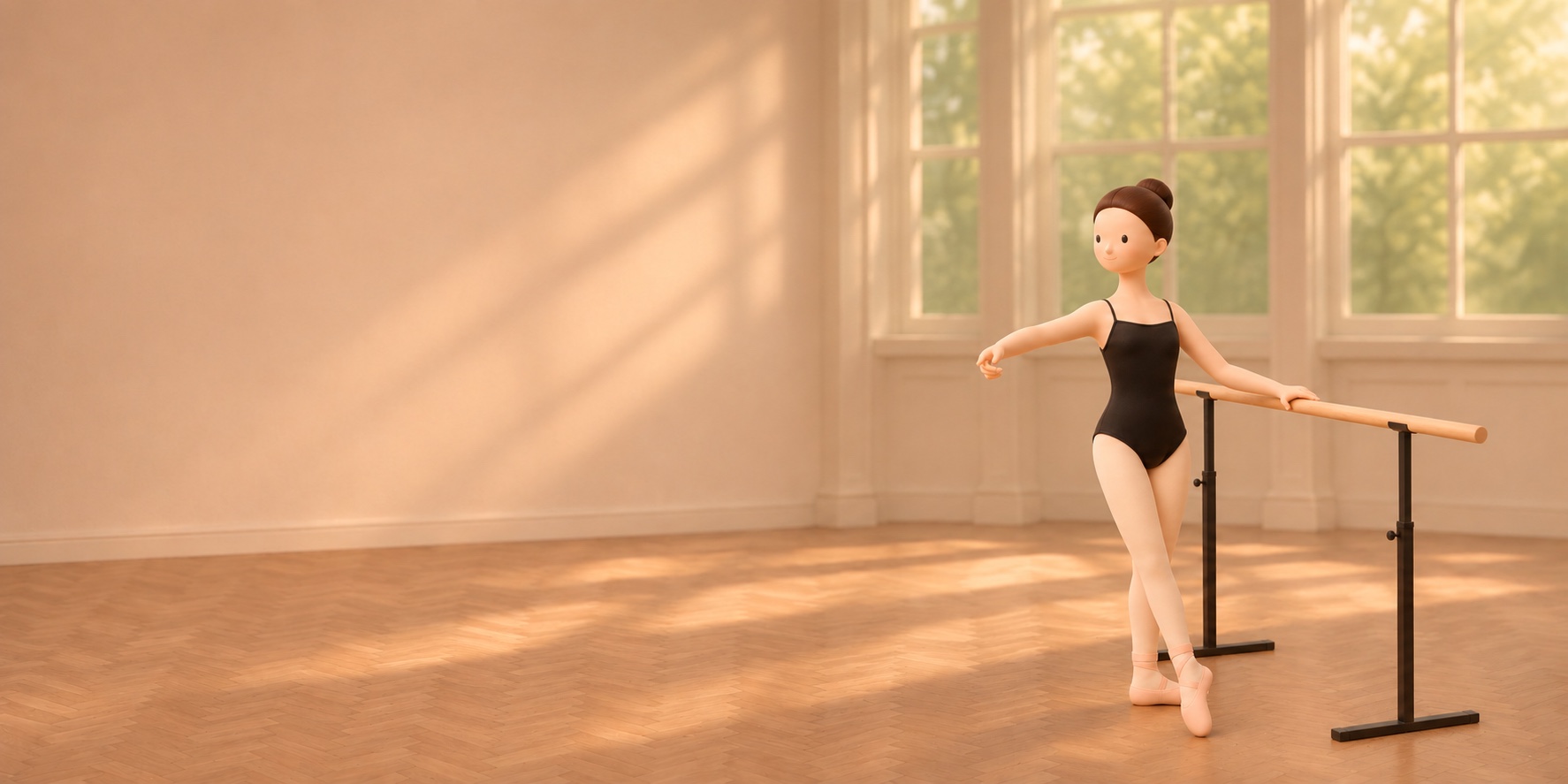
INSIDE THE STUDIO
A closer look.
A clearer movement.
Explore each phase, with teaching cues right where you need them.
MOVEMENT, MADE CLEAR
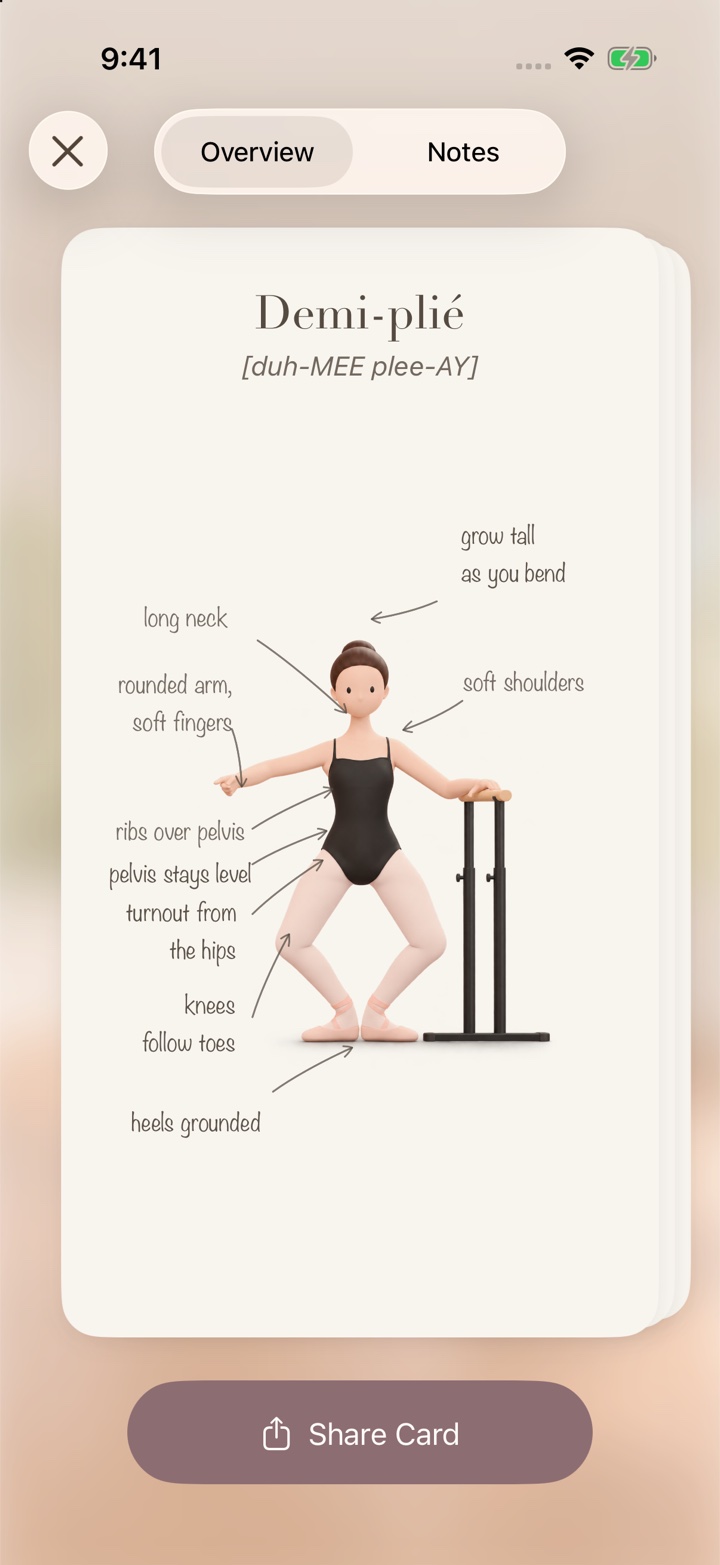
See the movement.
Find the feeling.
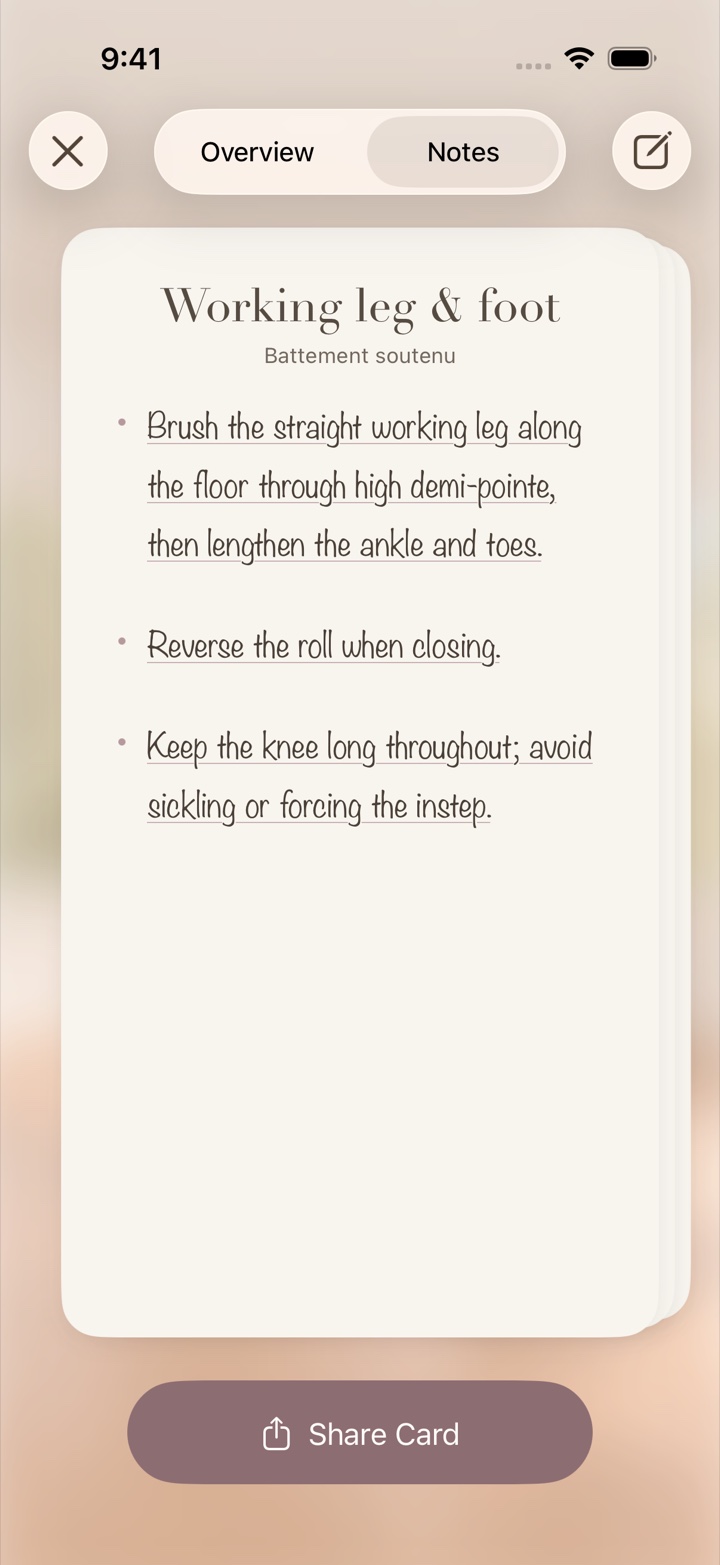
Explore illustrated movements. Keep the cues and notes you want to remember.
YOUR PERSONAL CLASS JOURNAL
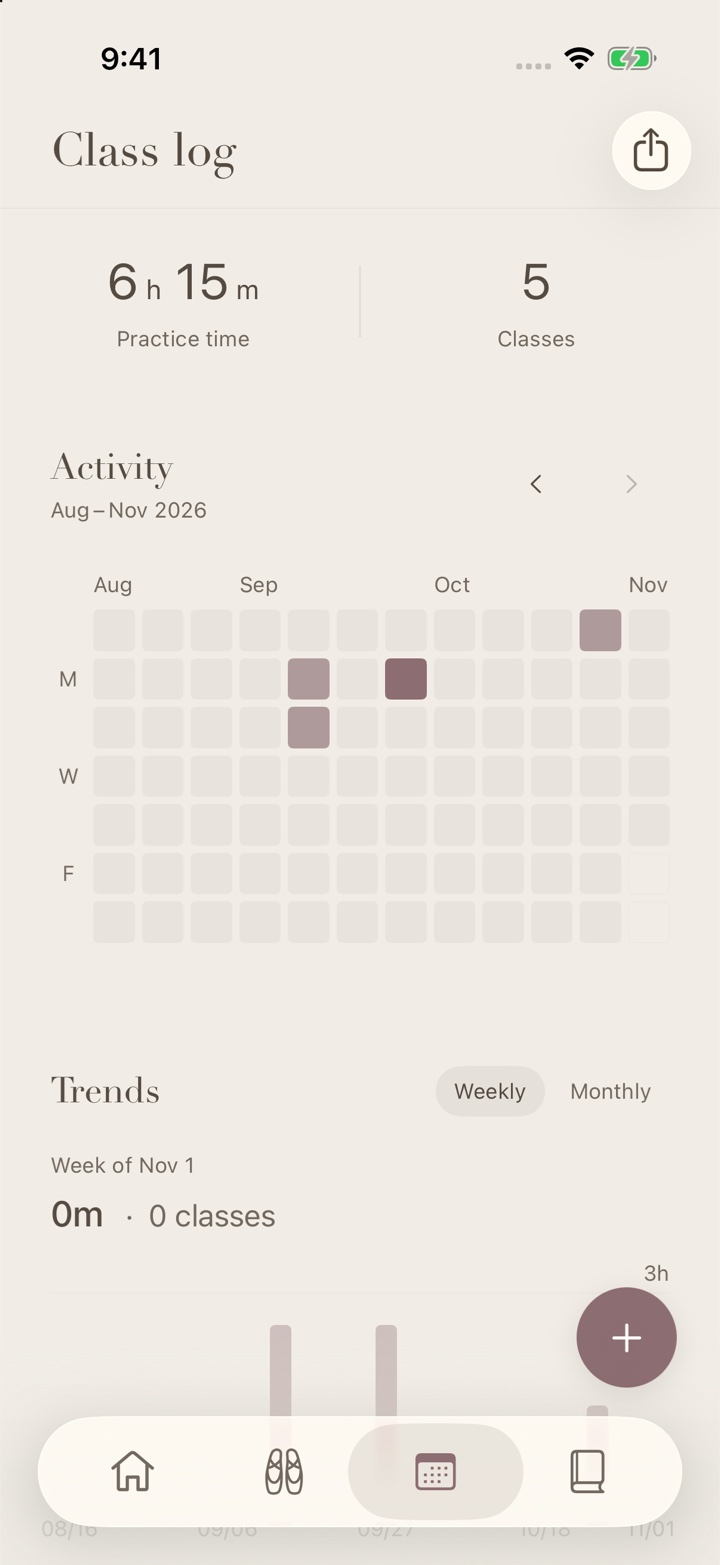
Every class.
A little more you.
Save your classes, photos and small discoveries. Your journal syncs with your account.
About your privacyTHE LANGUAGE OF BALLET
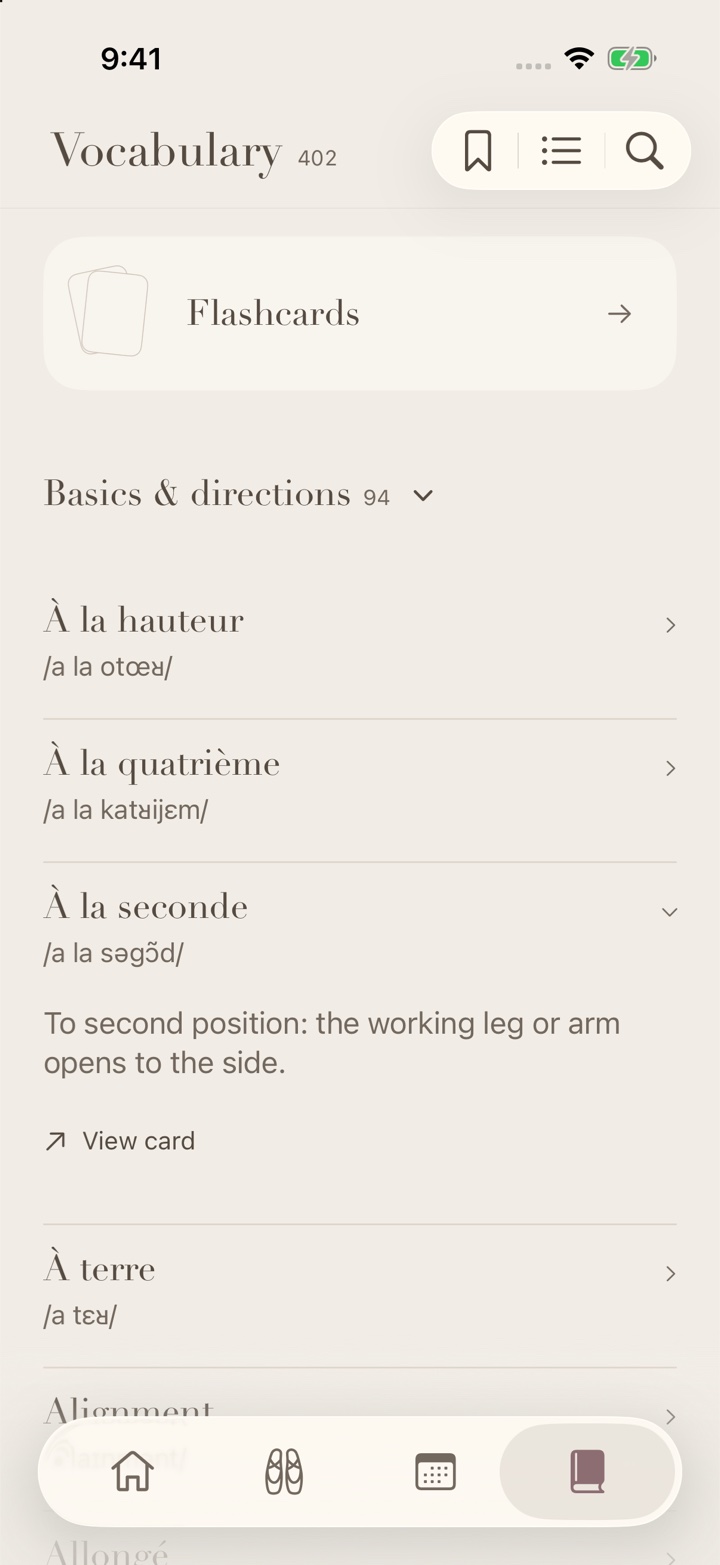
A new word.
A familiar feeling.
Learn the words you hear in class. Save them. Make them yours.
FROM THE BLOG
A little more ballet,
every day.
HERE TO HELP
A little help.
For app support, include your device and app version. Keep personal information out of screenshots.
Do I need an account?
Yes. Sign in with Apple, Google or email to use Petit Studio. Your records belong to that account. Use the same sign-in method and account on another device to access them.
How do I record a class?
Open Journal and tap the + button. Add the class date, duration and an optional photo. You can find your saved entries in Class history.
Are my photos uploaded?
Only the class photos you select using Apple’s system photo picker are added. Selected photos are resized on your device and synchronized to Firebase under your account. Petit Studio does not scan or upload your photo library.
What syncs to another phone?
Your class records, notes, selected class photos, saved words and study progress sync when you are online. Sign in to the same account on another device to restore synchronized records. Changes made offline remain on the original device until synchronization succeeds. You can check synchronization from Home’s account icon → Account.
Can I use Petit Studio offline?
Once you’re signed in, you can revisit downloaded movement media offline. New videos and illustrations need a connection to download. Changes to your records wait on the device until they can sync.
Does deleting a class photo delete the original?
No. Removing an imported photo from Petit Studio does not remove the original from your iPhone photo library. You can also remove notes and class records in the app.
What happens when I share an image?
You choose where to send it using the iOS share sheet. Shared images are copies: deleting an entry in Petit Studio does not delete copies you have already sent elsewhere. Check the preview before sharing.
Can Petit Studio replace a ballet teacher?
No. Petit Studio is designed for adult ballet study and reflection alongside your teacher's guidance. It does not assess your technique or provide personalized training advice.